Privacy mode: use AI without exposing sensitive data

Privacy mode detects personal and confidential data in prompts and documents and replaces it with neutral placeholders before the content goes to an external AI model. The model works with structure and content. The original values stay with you.

New chat
Write a reply to [Person 1] about order [Order number]. Her customer number is [Customer number], questions to [Email].
Only placeholders reach the modelSwitch off to compare

Schematic illustration, sample data is fictitious

What is privacy mode in nuwacom?

Privacy mode is a feature in nuwacom that automatically pseudonymises personal and confidential data in chat inputs and uploaded documents before they are passed to an external large language model (LLM). An internal AI model replaces names, contact details, customer data, financial information and contract details with neutral placeholders. The external model only sees the placeholders.

  • Prompts and filesProtection covers chat inputs and uploaded documents. Pseudonymised files are clearly labelled.
  • Detection before the modelDetection runs on a locally operated model before any external model receives content.
  • Context is preservedPlaceholders stay consistent within a request, so the model understands the context even without the real values.
  • Original values when neededAuthorised users see the original values in nuwacom on hover or with a switch.

Every prompt is a data transfer.

AI delivers its value where it works with real company data: contracts, customer correspondence and calculations. Uploading a document to an AI tool means handing it to an external language model.

  • Entire documents go alongUpload a contract to have one clause checked, and every name, account number and term goes with it.
  • More than plannedAn upload often contains more personal data than the task requires.
  • Invisible in daily workEmployees don't see the transfer. They see an input field.

Using AI with and without privacy mode

CriterionWithout a protection layerWith privacy mode
What the external model receives

The prompt and document in the original, with every name, account number and term.

The same input with neutral placeholders instead of the protected values.

When an upload contains more than planned

Everything in the document is passed on.

Detected personal data is replaced before it is passed on. That lowers the risk.

Mapping to the original values

The values go to the whole chain of application, infrastructure and model provider.

The mapping stays protected in nuwacom. Authorised users see the original values on hover or with a switch.

Control in the company

No central rule that replaces personal data before it is passed on.

Admins can enforce the mode for all members of the workspace.

Four steps before an external model sees anything.

An internal AI model pseudonymises confidential data before the content is passed to an external language model. The mapping between placeholder and original value stays protected in nuwacom.

  1. 1InputPrompt or fileYou write in the chat or upload a document.
    Reply to Ms Weber, cust. no. 448120, order #2024-08871
  2. 2ProtectionInternal AI modelDetects personal and confidential data and replaces it with placeholders.
    Reply to [Person 1], [Customer number], [Order number]
  3. 3External LLMSees only placeholdersProcesses structure and content without knowing the protected values. The same person stays the same placeholder within a request.
    Dear [Person 1], your order [Order number] …
  4. 4AnswerOriginal values when neededIn nuwacom, the original values are visible in plain text again on hover or with a switch.
    Dear Ms Weber, your order #2024-08871 …

Schematic illustration. Sample data is fictitious.

One protection layer of several

Privacy mode adds to nuwacom's security architecture. It does not replace a legal assessment of how you use it.

More on security
  • GDPR compliant
  • ISO 27001 certified
  • § 203 StGB compliant
  • Operated in Europe
  • Data centres in Germany
  • No training on your data

What the external model sees and what stays with you

Try it: switch between placeholders and original values. Hover over a placeholder or an entry in the list to see what it stands for.

Complaint_Order_2024-08871.pdf
Pseudonymised

Dear Sir or Madam,

my order [Order number]#2024-08871 arrived only half complete. Please refund the missing amount to my account [IBAN]DE89 3704 0044 0532 0130 00. My customer number is [Customer number]448120.

Kind regards [Person 1]Karin Weber Phone [Phone number]0123 4567890

Only this version ever reaches the external model

… my order [Order number] arrived only half complete. Please refund the missing amount to my account [IBAN]. My customer number is [Customer number]. Kind regards [Person 1], phone [Phone number]

Only the person who switched on privacy mode sees the original view. Sample data is fictitious.

Detected in this document

Data fieldOriginal (fictitious)External model
Order number#2024-08871[Order number]
Bank detailsDE89 3704 0044 0532 0130 00[IBAN]
Customer number448120[Customer number]
Customer nameKarin Weber[Person 1]
Phone number0123 4567890[Phone number]

Which data does privacy mode detect?

NamesEmail addressesPhone numbersID numbersCustomer dataEmployee dataFinancial informationContract detailsOther confidential business dataConfigurable attributes

Industries in focus

Where one wrong upload gets expensive.

Six industries, six scenarios from everyday work. Each starts with a legitimate task and a document full of sensitive data.

An employee in clinical development has the interim report of a phase II study summarised for management. The report contains pseudonymised patient data, side-effect profiles and compound names before the patent filing.

Typical content in the upload
Health dataStudy results before publicationFormulations and synthesis routesApproval strategies

A corporate client adviser prepares a credit meeting and has a client's annual financial statements, account transactions and internal rating notes condensed into a decision paper.

Typical content in the upload
Account details and transactionsCredit and rating dataLoan termsInside information

A customer service team analyses a wave of complaints and uploads an export from the ticketing system: phone numbers, contract data, connection times and location details from fault reports.

Typical content in the upload
Subscriber and traffic dataPhone numbers and connection addressesLocation dataNetwork plans and fault analyses

A buyer at an automotive supplier has supplier offers compared. For this, he uploads framework agreements, bills of materials and the price calculation for an OEM project.

Typical content in the upload
Prices and marginsCustomer and supplier relationshipsDesign data and bills of materialsRoute, shipment and customs data

A lawyer has a draft brief created from the client file. The file contains the facts of the case, correspondence with the opposing party and health information from an employment law case.

Typical content in the upload
Client identity and facts of the caseLitigation strategySettlement offersSpecial categories of personal data

A tax adviser has an overview for annual planning created from a client's payroll records and receipts. The upload contains salaries, tax IDs and a planned business succession.

Typical content in the upload
Salaries and social security dataTax IDs and bank detailsCompany figures before the audit opinionM&A and succession plans

The pattern is the same in every industry: the task is legitimate, the benefit is real, and the risk lies in the document itself.

Privacy mode replaces the sensitive values before an external model sees them. In a demo call, we show you which data is detected in your case and what the placeholders look like, using examples from your industry.

How to switch on privacy mode

Recommended for regulated and data-sensitive areas such as healthcare, finance and insurance, public administration, law, consulting and HR. And anywhere messages or documents contain personal data that should not reach an external AI provider.

For admins

Switch on and enforce centrally

  1. In the workspace settings, open the Privacy mode page under AI Guardrails.
  2. Turn on Enforce privacy mode for all members. The mode then stays on for everyone and can't be switched off in the chat.
  3. If you leave the switch off, each person decides for their own messages.

For employees

Three steps in the chat

  1. Switch on privacy mode with the shield icon next to the chat input.
  2. Attach a document and send your prompt. Sensitive values appear as placeholders, for example [Person 1] or [IBAN].
  3. Use the switch to move between the placeholder view and the original view. Only you see the original view; the external model only sees the pseudonymised version.
Availability

Enterprise customers can test privacy mode at no extra cost until the end of the year. Activation is handled by your Customer Success Manager.

Request a demo
Live webinar11:00 AM, 45 minGerman

Sovereign AI infrastructure: what companies need to watch for in secure AI adoption (in German)

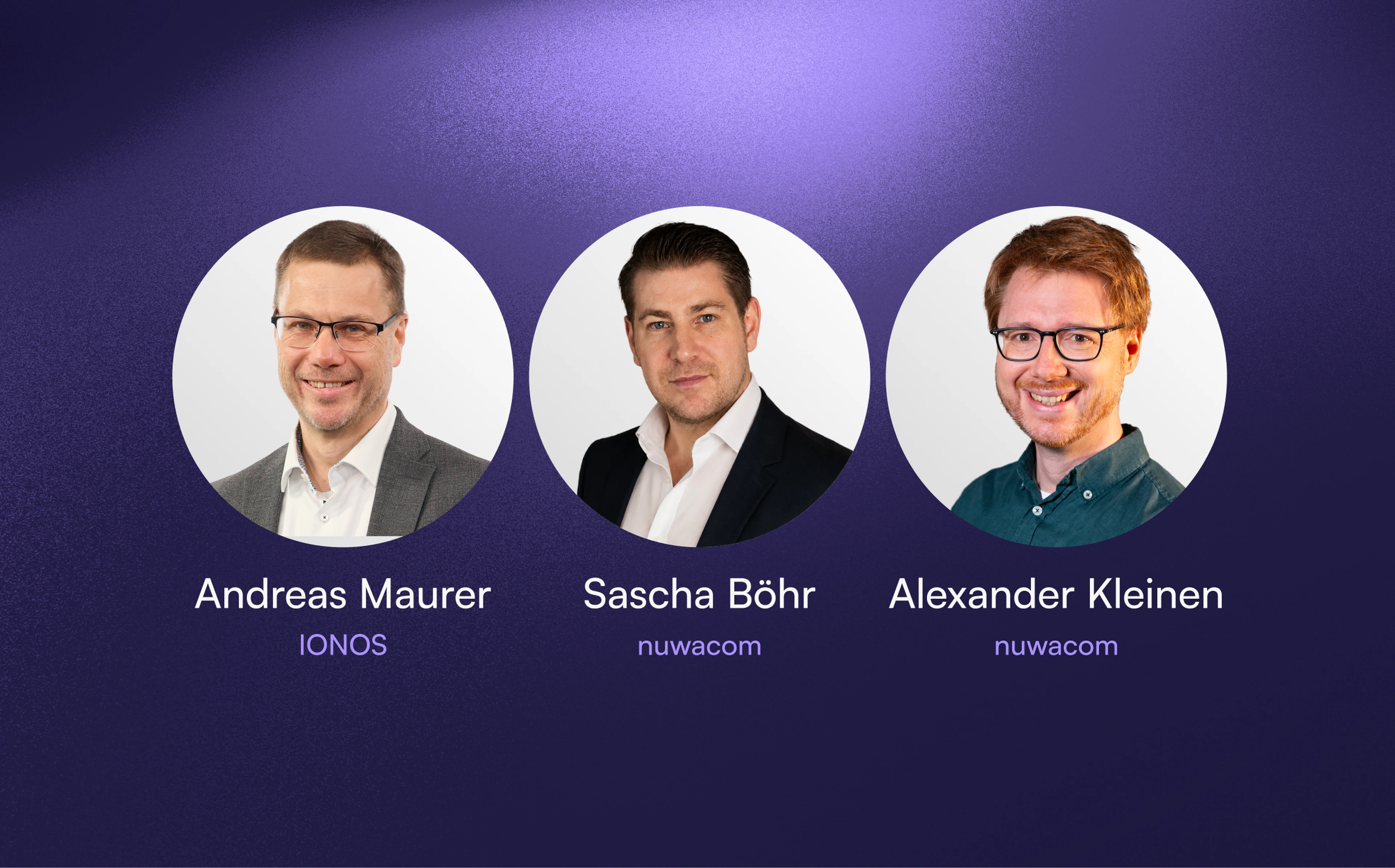
What should companies look out for when they want to introduce AI securely and achieve real sovereignty? Andreas Maurer, Head of PR at IONOS Group, answers this and other questions with Sascha Böhr and Alexander Kleinen from nuwacom. The webinar is held in German.

Frequently asked questions about privacy mode

More answers in the Help Center
What is privacy mode in nuwacom?

A feature that detects personal and confidential data in prompts and documents and replaces it with placeholders before the content goes to an external AI model. The original values stay protected in nuwacom.

How does privacy mode work?

You enter a prompt or upload a document. A locally operated model detects personal data and replaces it with placeholders, for example “Maria Schneider” becomes [Person 1]. Only this protected version goes to the external model. In nuwacom, the system maps the placeholders back to the original values for authorised users.

Which data does privacy mode detect?

Names, email addresses, phone numbers and ID numbers, as well as customer, employee, financial and contract data and other confidential business data. Additional attributes can be configured.

Is the data anonymised or pseudonymised?

The external model only receives text with placeholders. However, the mapping to the original values stays protected in nuwacom so that authorised users can see them again. Technically, this is therefore pseudonymisation, even though the switch in the product interface is labelled “Anonymised”. How you classify this legally is something to clarify with your data protection officer.

Does the AI understand my request despite the placeholders?

Yes. Placeholders stay consistent within a request, so the model keeps the context. It processes structure and content without knowing the protected values.

Who sees the original values?

Authorised users see them in nuwacom on hover or with the switch for the original view. This view is only visible to the person who switched on privacy mode. The external model never receives the original values.

Does the protection also apply to uploaded documents?

Yes. Privacy mode protects chat inputs and uploaded documents, such as customer complaints, contracts or exports. Pseudonymised files are clearly labelled.

Can admins enforce privacy mode for everyone?

Yes. In the workspace settings under “AI Guardrails”, admins turn on “Enforce privacy mode for all members”. The mode can then no longer be switched off in the chat. Without this setting, each person decides for themselves.

Are logs and stored data protected too?

Yes. System logs and stored processing data use the protected version, not the original values.

Is privacy mode enough on its own for GDPR compliance?

No. It is one protection layer of several and does not replace a legal assessment. Whether your specific use meets the requirements is something you assess together with your data protection officer, for example in a data protection impact assessment.

What does privacy mode cost?

Enterprise customers can test it at no extra cost until the end of the year. Activation is handled by your Customer Success Manager. Any terms beyond that can be clarified with your contact at nuwacom.

Decide securely. Deploy with sovereignty.

In a demo call, we show you privacy mode with examples from your industry and work out how to use it in your workspace.